|
查看: 1943|回覆: 0
|
【轉貼】[Release] H1Z1 External ESP
[複製連結]
|
【轉貼】[Release] H1Z1 External ESP
|
|
How-To:
You have to use Window Mode in H1Z1
go to your SteamLibary->common->H1Z1->UserOptions.ini ->
and do this ->
Maximized=1
Mode=Windowed
FullscreenMode=Fullscreen
Start H1Z1
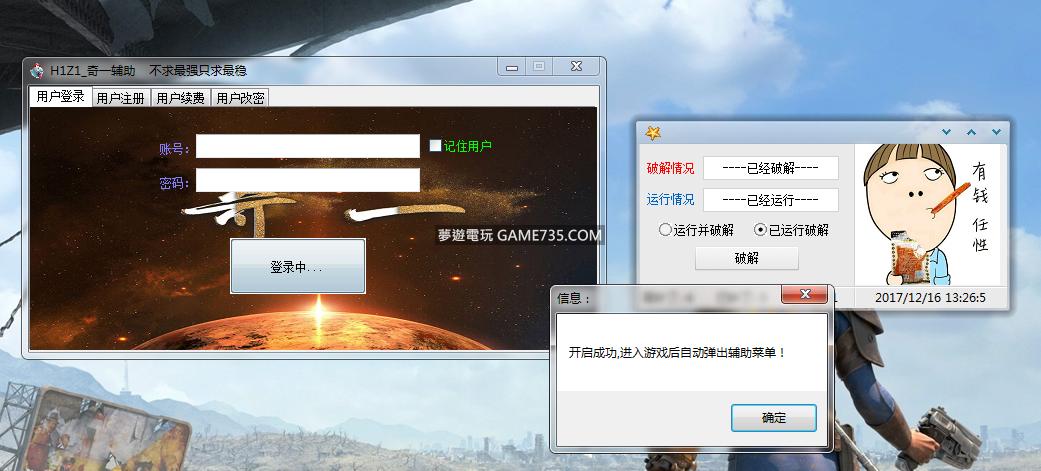
Start External ESP
HotKey's:
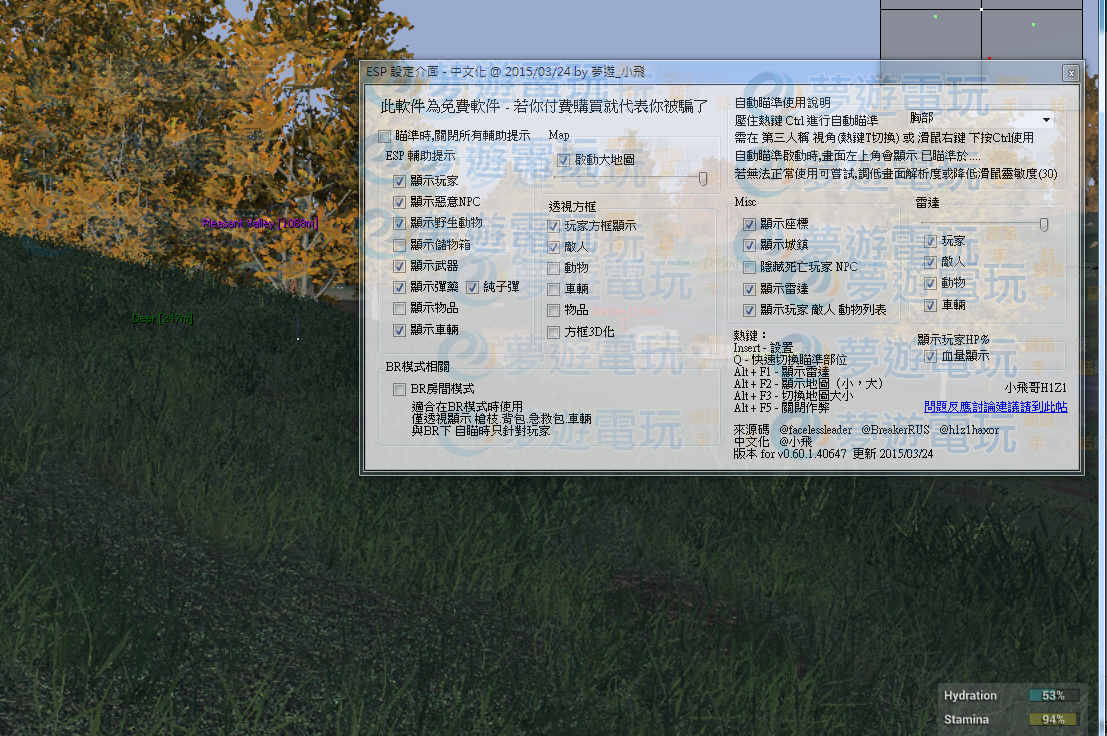
INSERT = Show's Settings Menu
POS1(HOME) = Reload Player Object
NUMPAD '+' = Incrase Draw Object Distance ( Player & Zombies )
NUMPAD '-' = Decrase the Distance
NUMPAD '*' = Increase Draw Items Distance
NUMPAD '/' = Decrease the Distance
END = Exit External ESP
本段內容需要解鎖回覆主題後可查看,或 進入解除隱藏文流程。 藍鑽活動 完成解除隱藏可獲得 2 藍鑽,每 30 分鐘最多一次、每日最多 5 次;可用於參加抽獎。
✦發文隨機獎勵事件謝謝你與大家分享新知!雖然本次沒中獎,但知識與經驗的交流,能為更多人帶來幫助! 活動說明 |
|
|
|
|
|
|
|
|
|


 狗仔卡

 藍鑽
 GP


 發表於 2015-3-16 01:11:44

 提升卡
 變色卡
 千斤頂